Personal Favorite • Chatbooks

Anyone who knows me knows I'm obsessed with photos. Not just taking photos, but having photos printed. When we moved to Idaho I printed every photo from Jacob and I's relationship into 4x6's. I put them in an album in order of dates, which took forever.  I wanted to write on the backs when and where each photo was taken. But I knew that would take time too, so I gave up on that. 

Then in October I watched a Chatbook ad. I heard amazing things about the Chatbooks and I'd even looked at my aunt's collection in Colorado which is where I fell in love with them. I decided to order my very own. And that's when I fell in love. My book took less than 10 minutes to make, and I did it all from my phone! The book came about a week later and I was hooked! I couldn't stop touching it, and flipping through it. So here's my Top 3 reasons why I love Chatbooks.

Convenient. 
I can have all my images from Instagram automatically uploaded along with their descriptions I already typed up from when I posted. If there's something I want to add, I can do that right from the app. I can also add images from Facebook if I prefer or I can make a separate album on my phone dedicated to Chatbooks so when I'm ready, I can upload just that album. Chatbooks is amazing because if you don't want to do anything, you do have to! There's a setting to make Instagram automatically upload your selected platform and a book can be published every month! 

Organized
With my previous method, I would have to go through every print and try remembering where we were, what date it was, and what we were doing. Majority of the time I would have to log in to Facebook or Instagram to see if I posted anything about it. And if I didn't, I was kind of out of luck. With Chatbooks, it knows the dates already so when you sync an album or account, it'll automatically put images in order of date taken! You can switch images around easily if you prefer, but i love having everything in order of dates. Chatbooks makes series so you can have multiple life events documented. For example, Kylee Ann does Chatbooks for each of her kids. So she has a Piper series, and then a Brody series, along with her regular family series. 

Inexpensive
I was paying about .15 cent per 4x6 print, plus shipping. This didn't include a description or an album to put them in. Chatbooks are $8 for 60 pages! And there's free shipping! You can upgrade to faster shipping or to hardcover if it's something your interested in. But for me to save my memories for 1-3 months as effective and efficient as Chatbooks for only $8 a book? It's beyond worth it to me.
Want to try it out?


GET YOUR FIRST BOOK FREE HERE.

Shai'Loni + Wes • Island Park Engagements

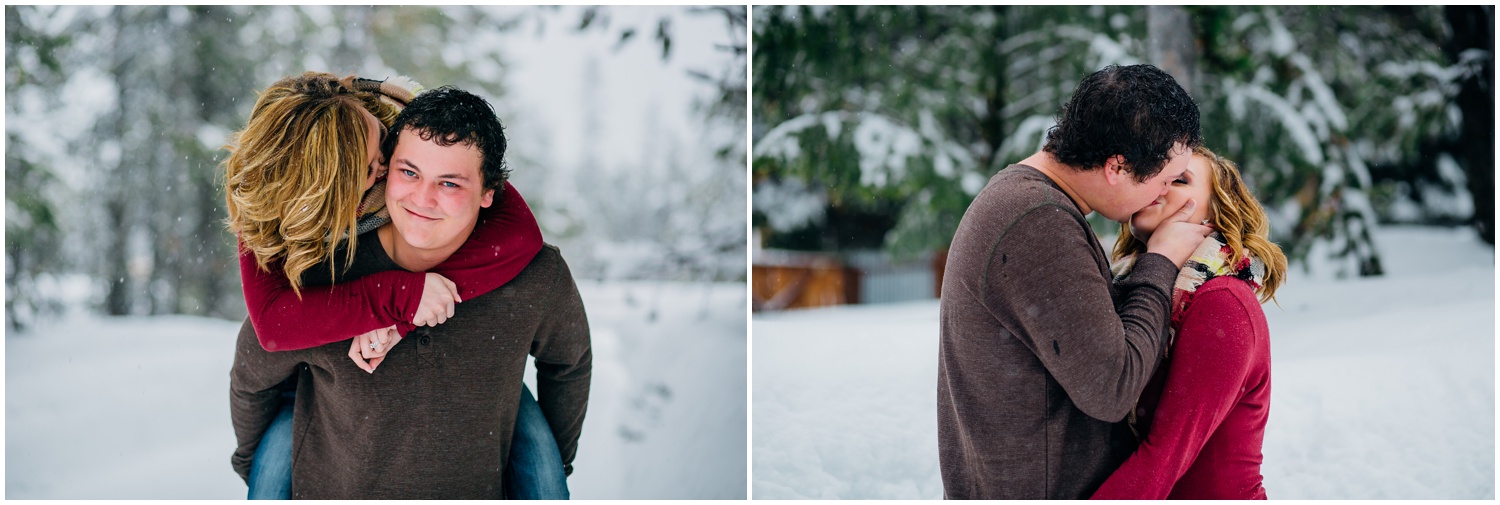
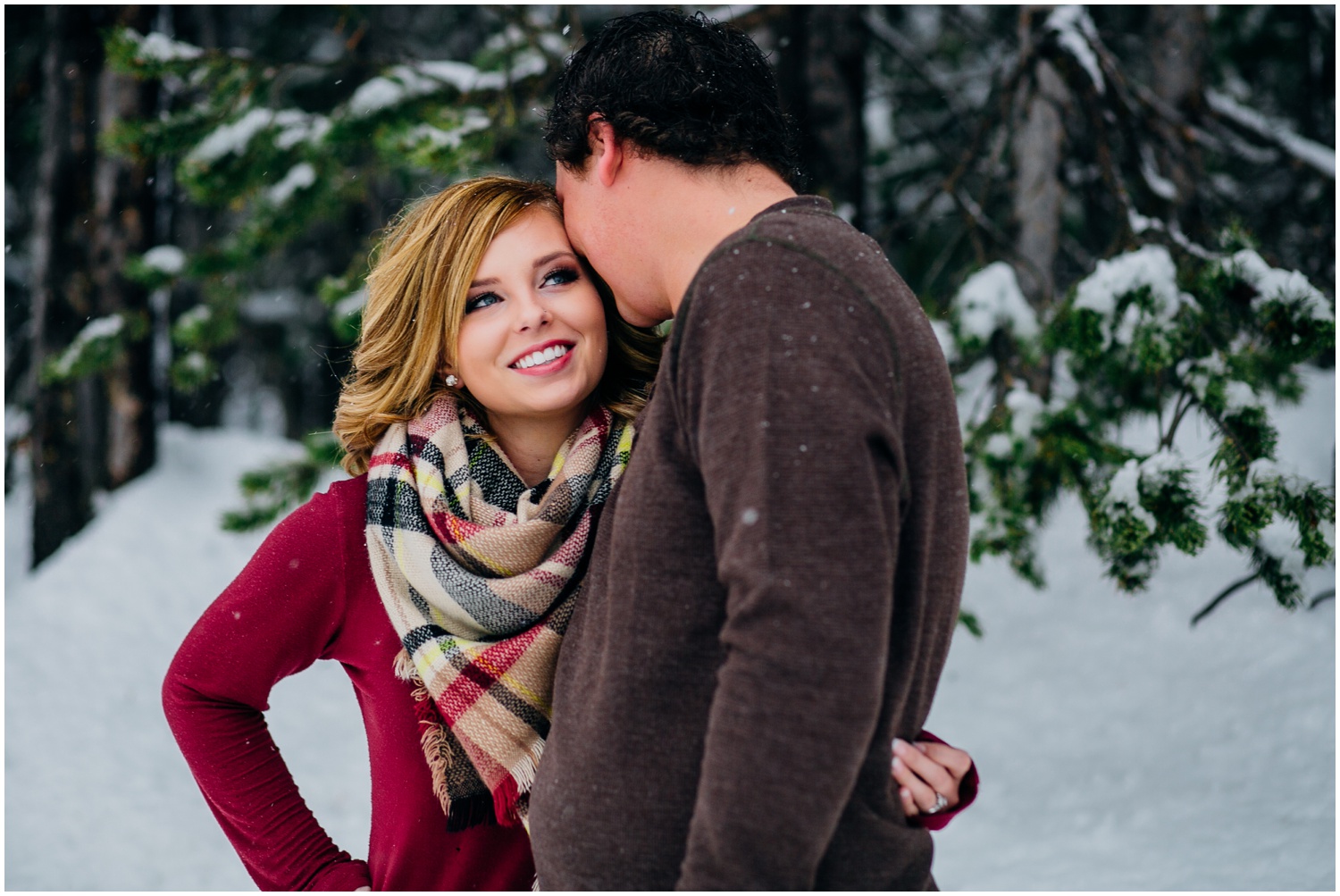
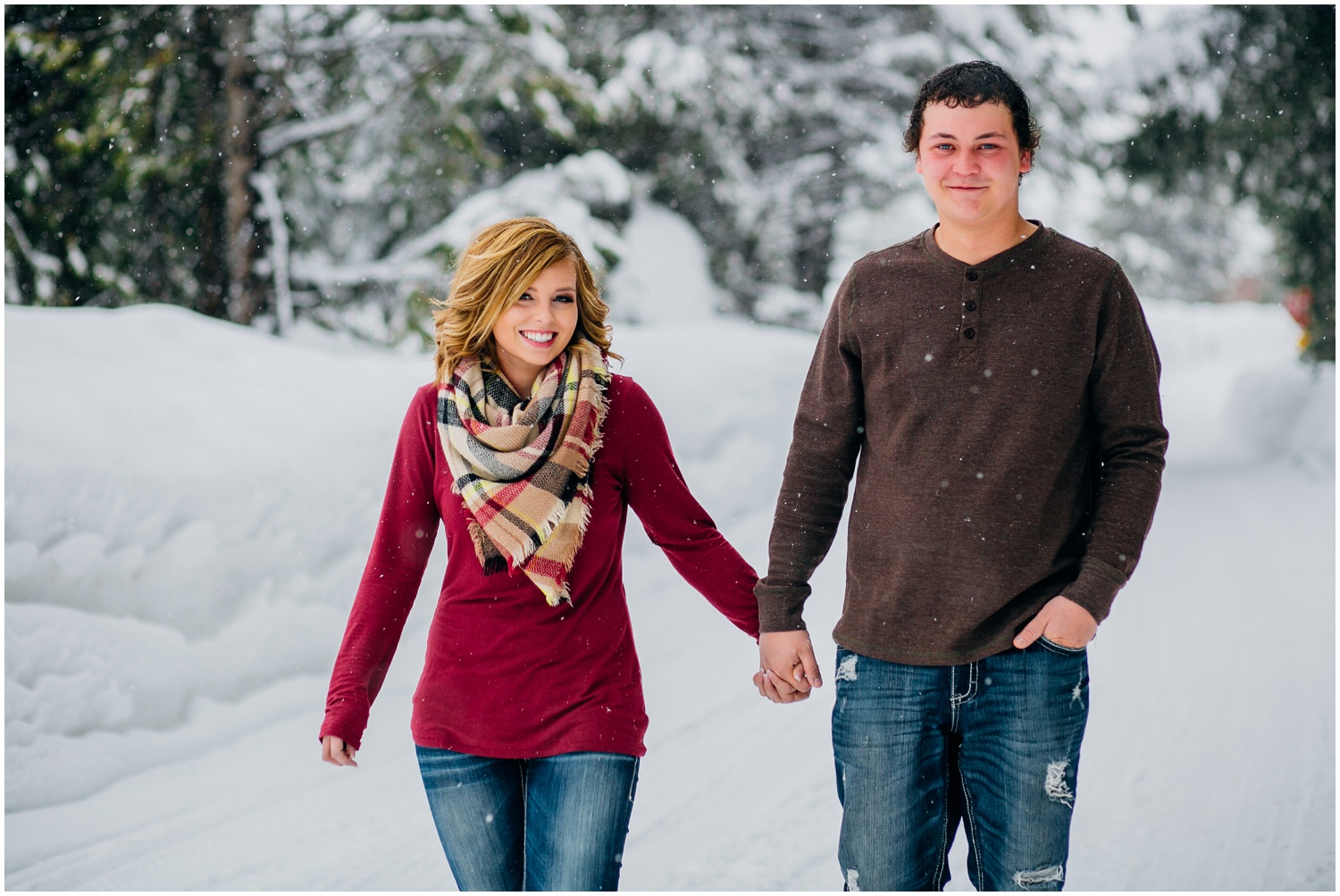
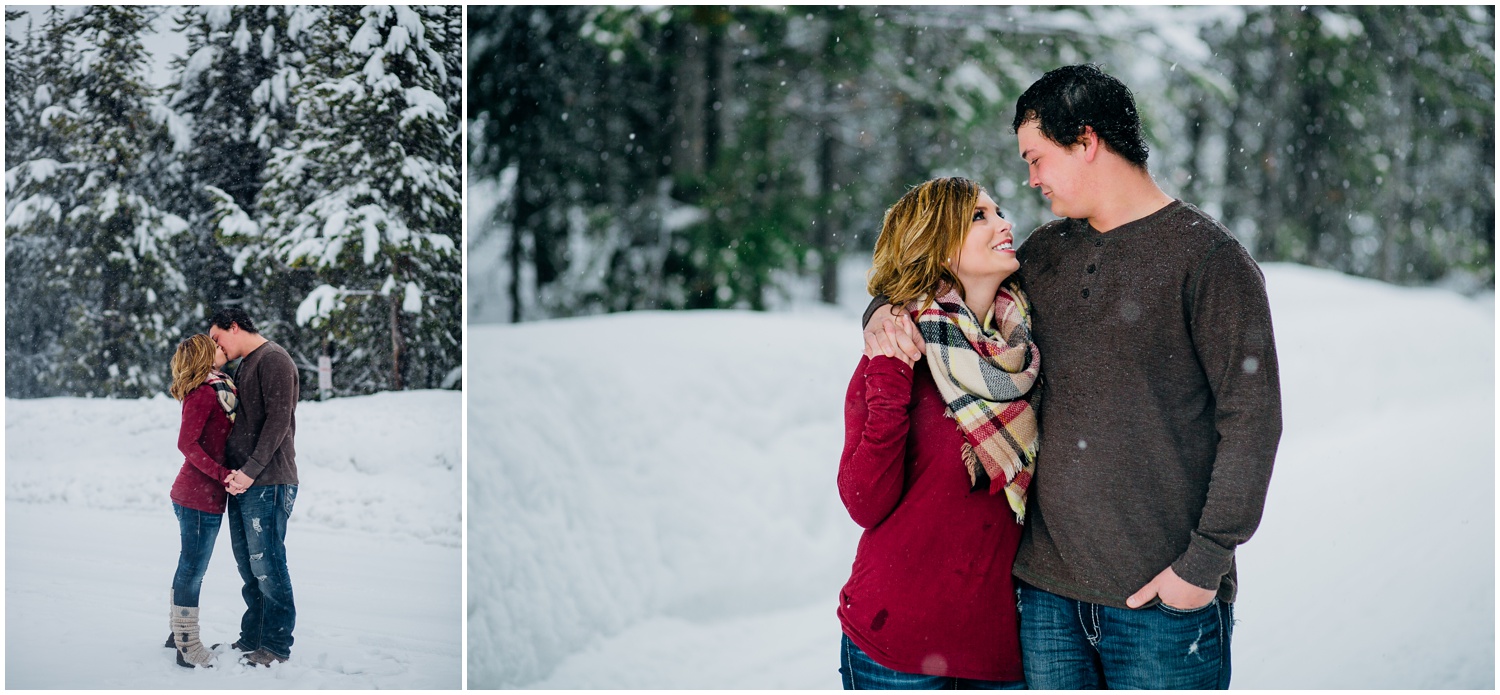
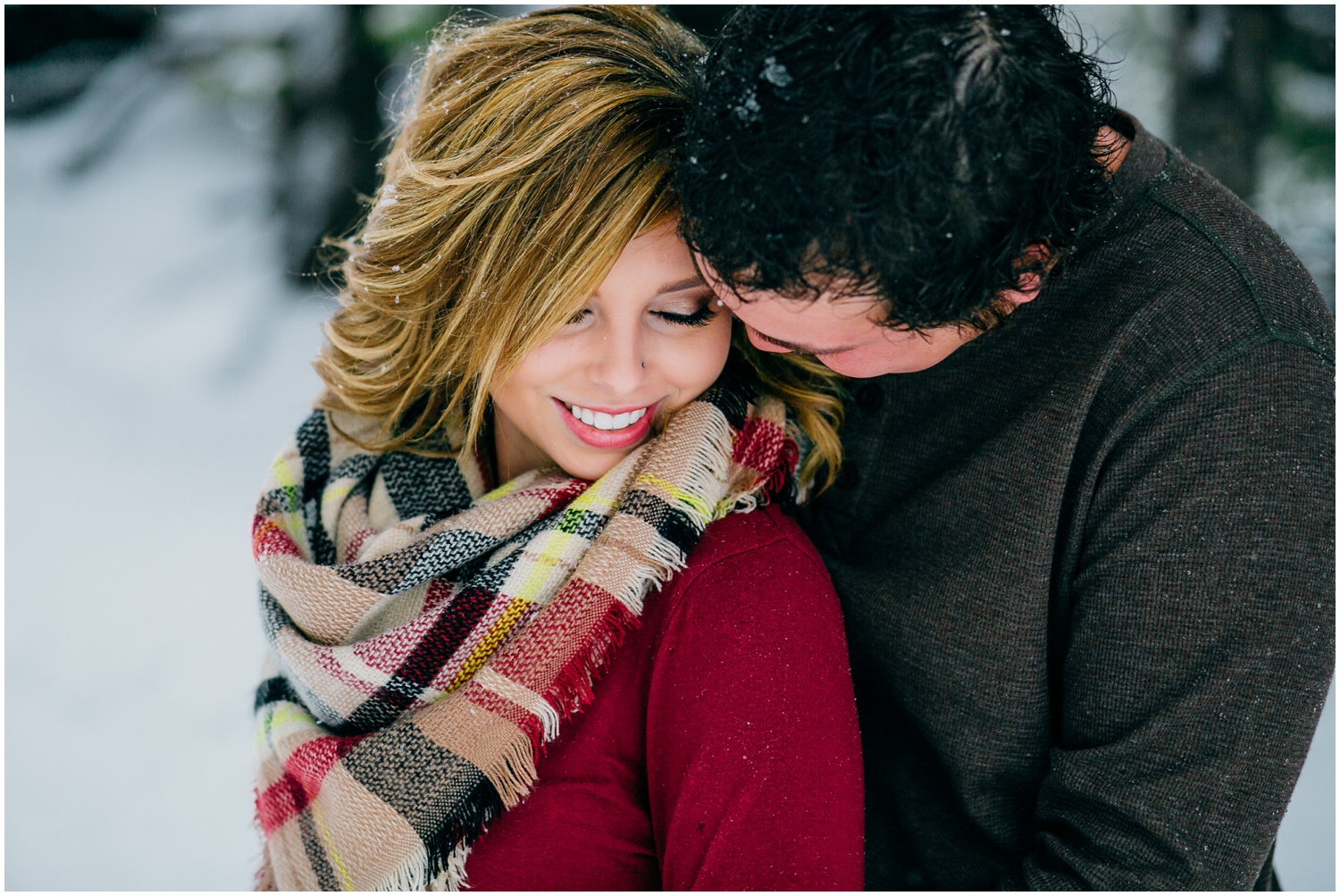
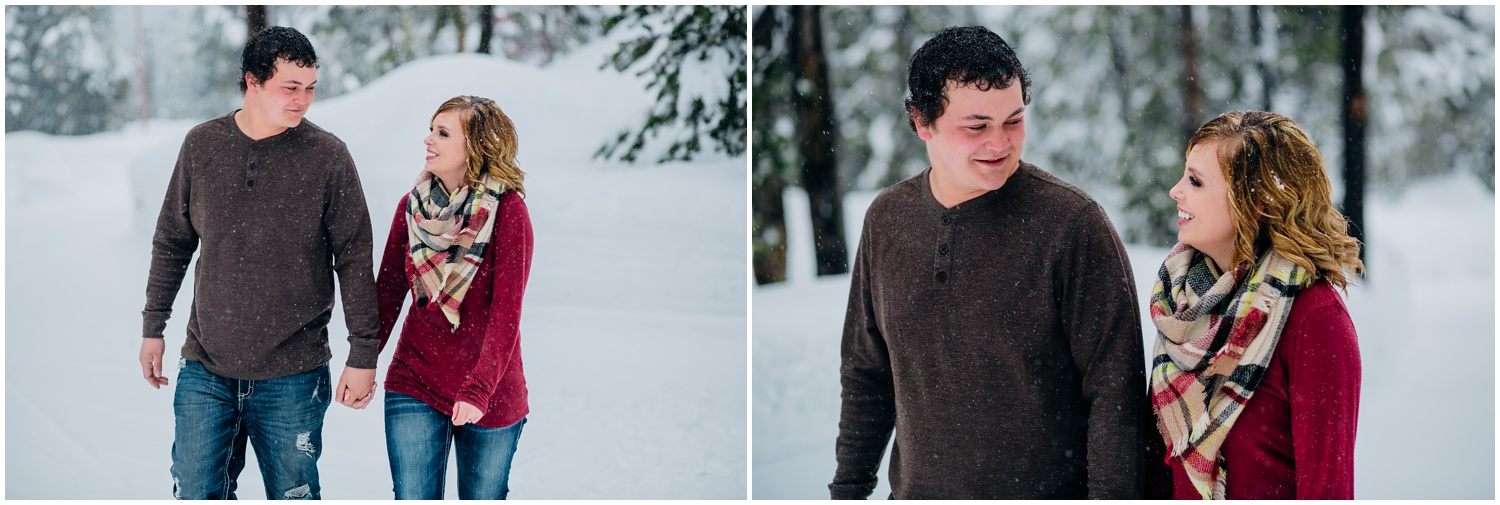
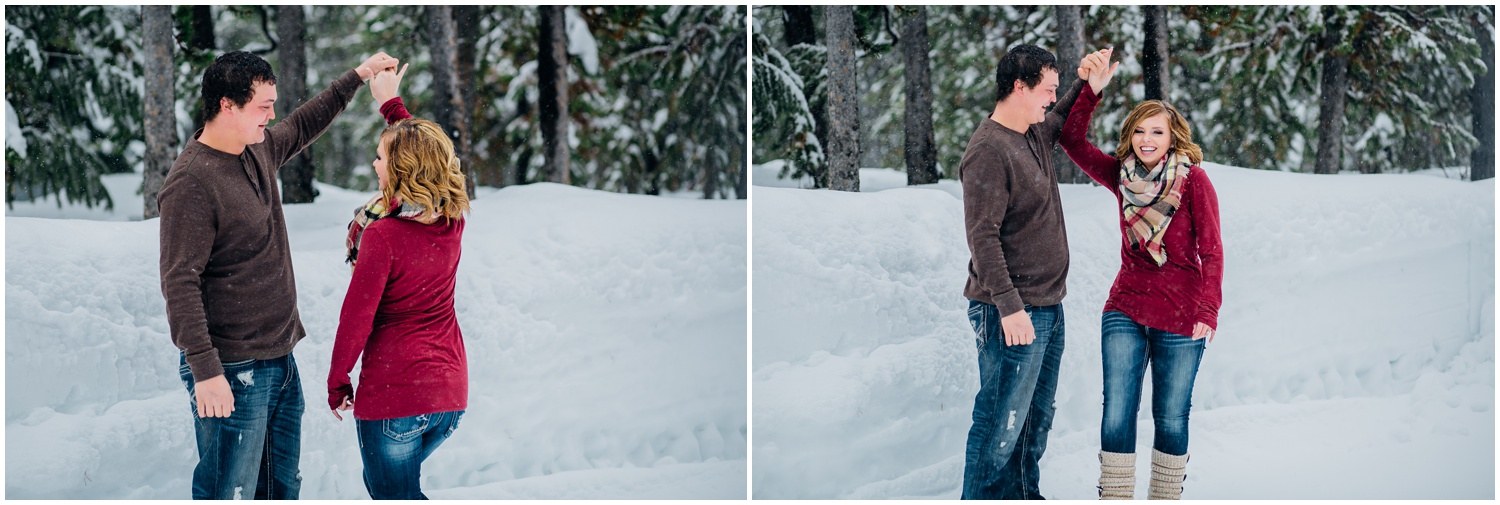
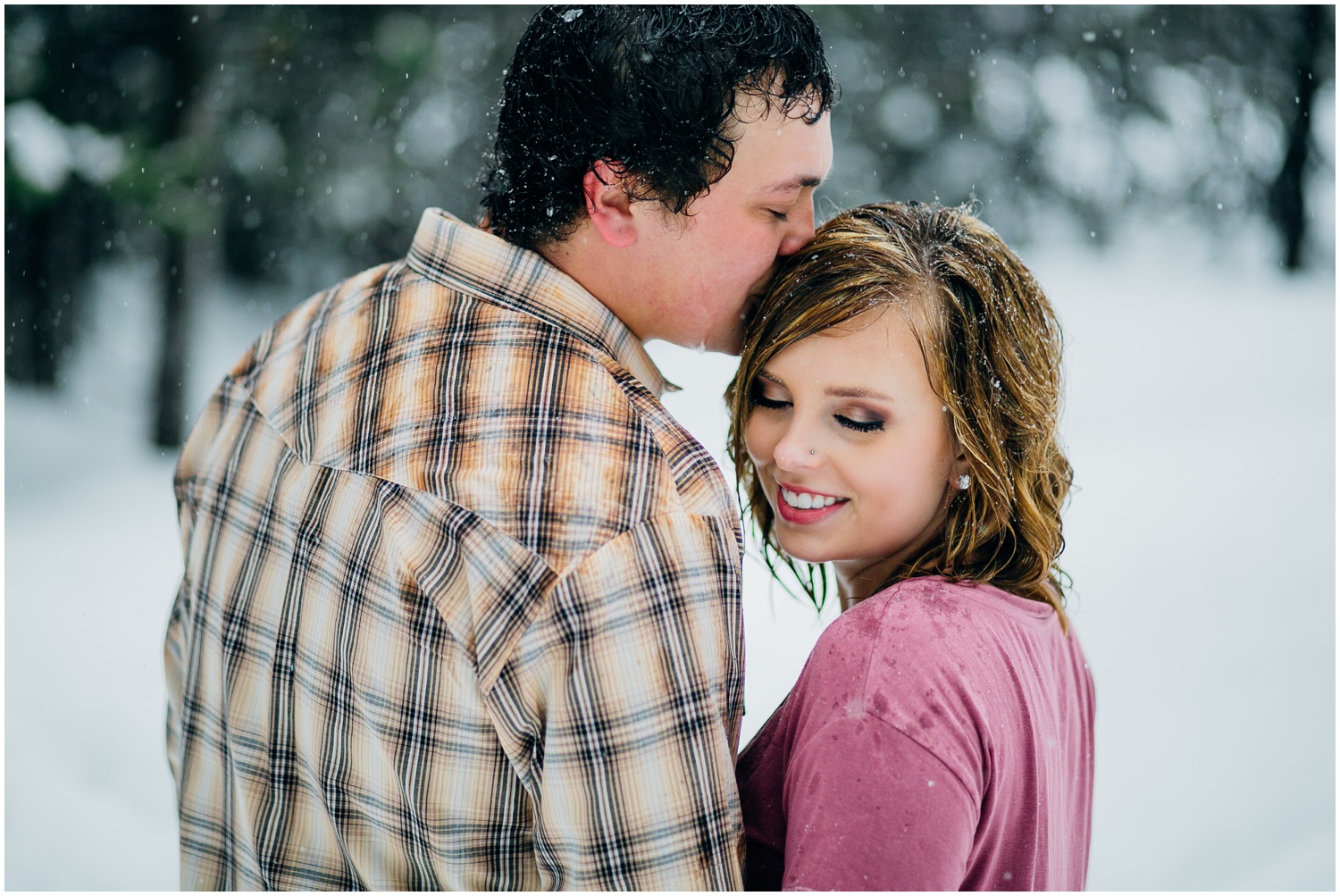
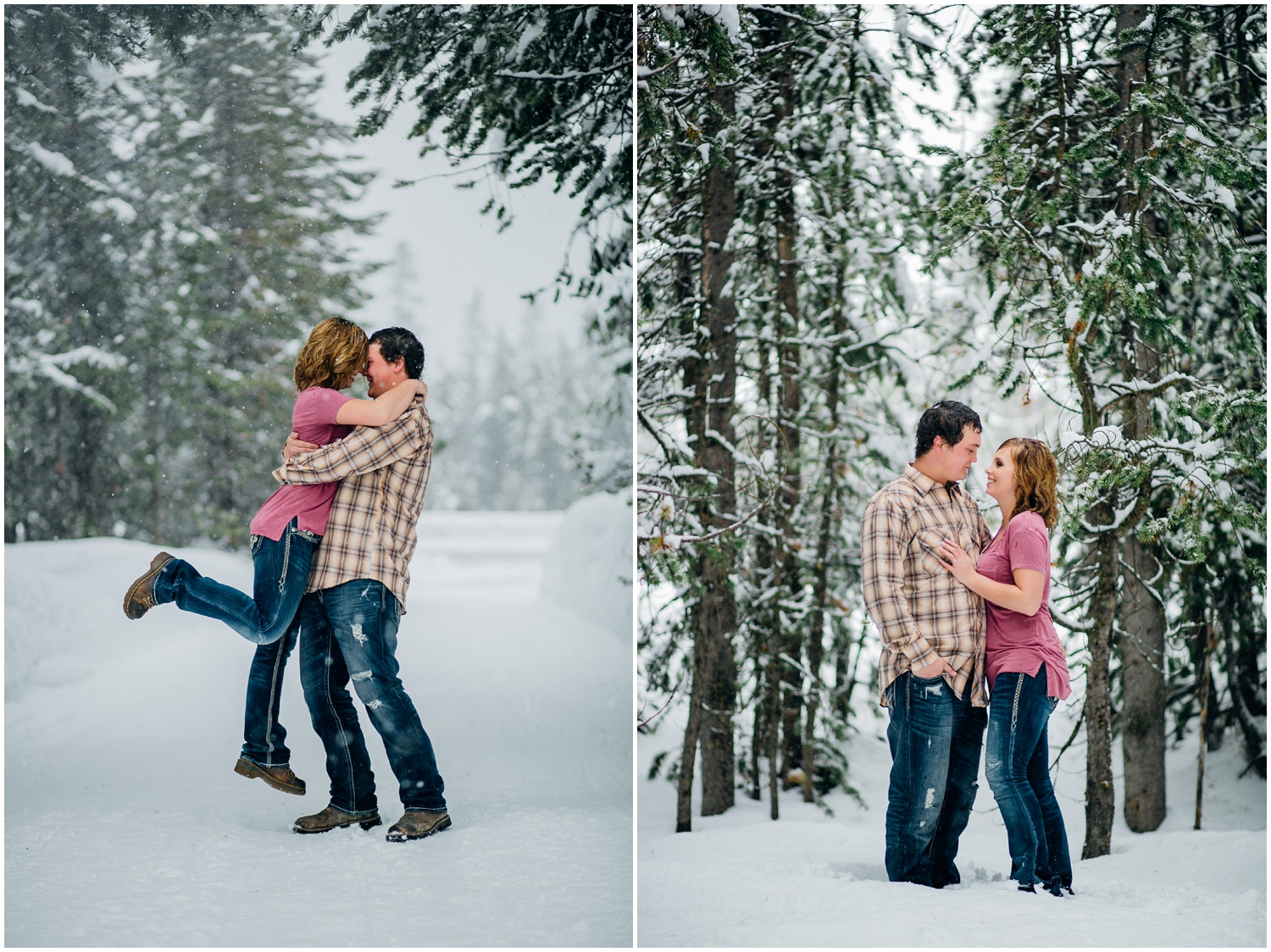
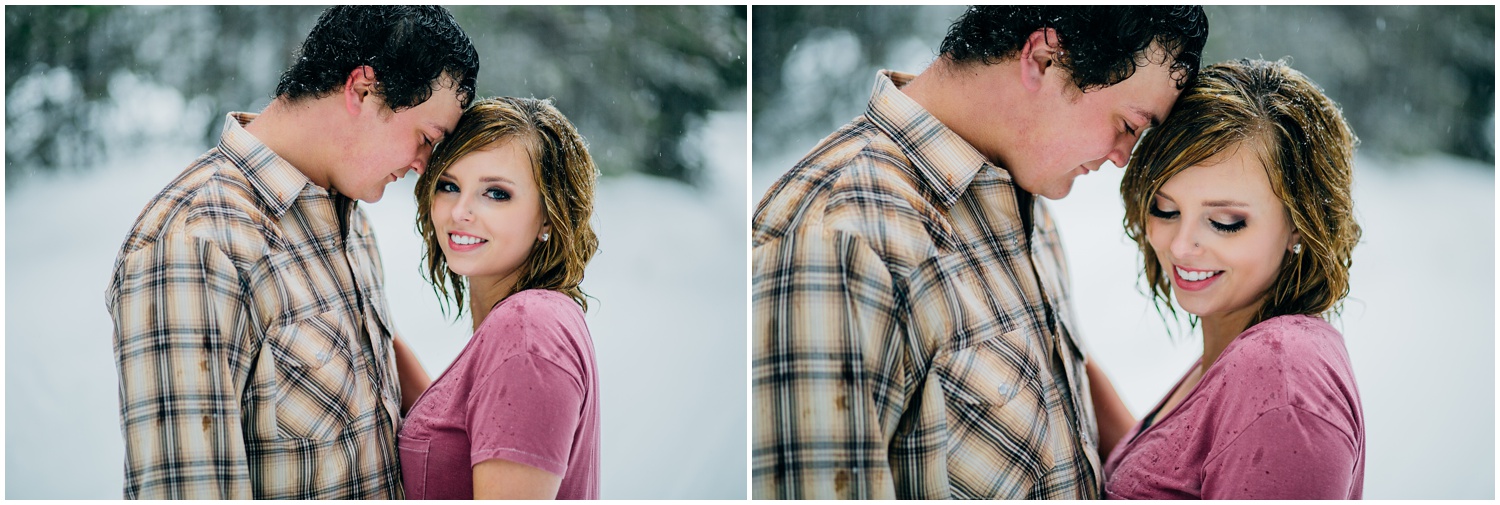
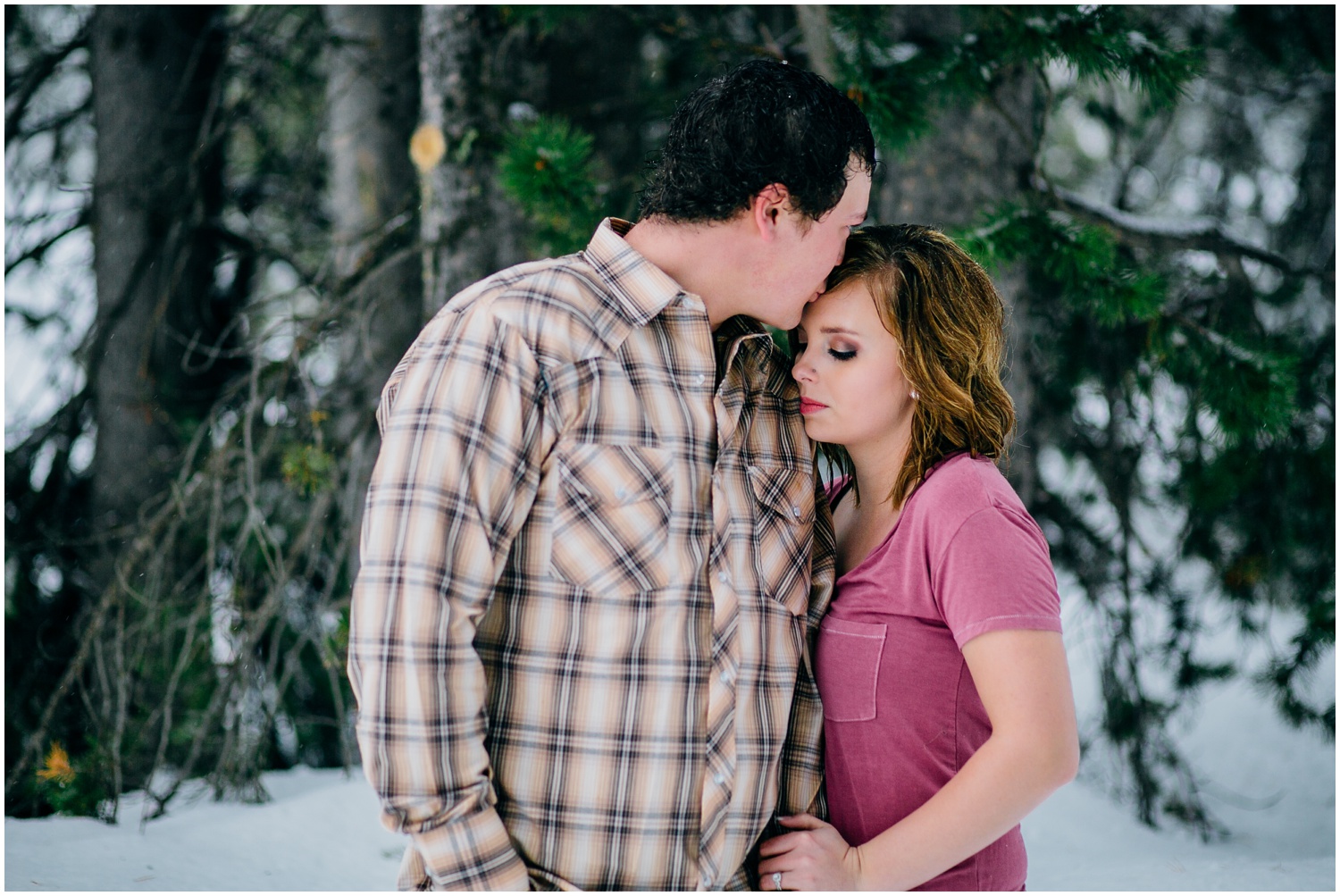
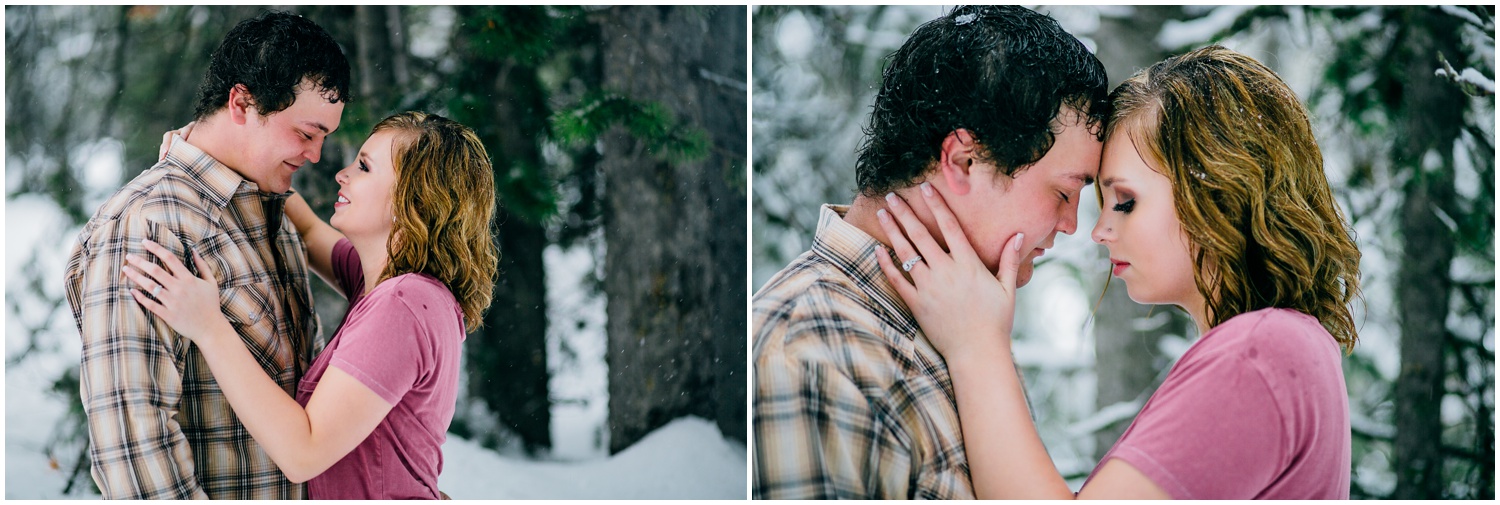
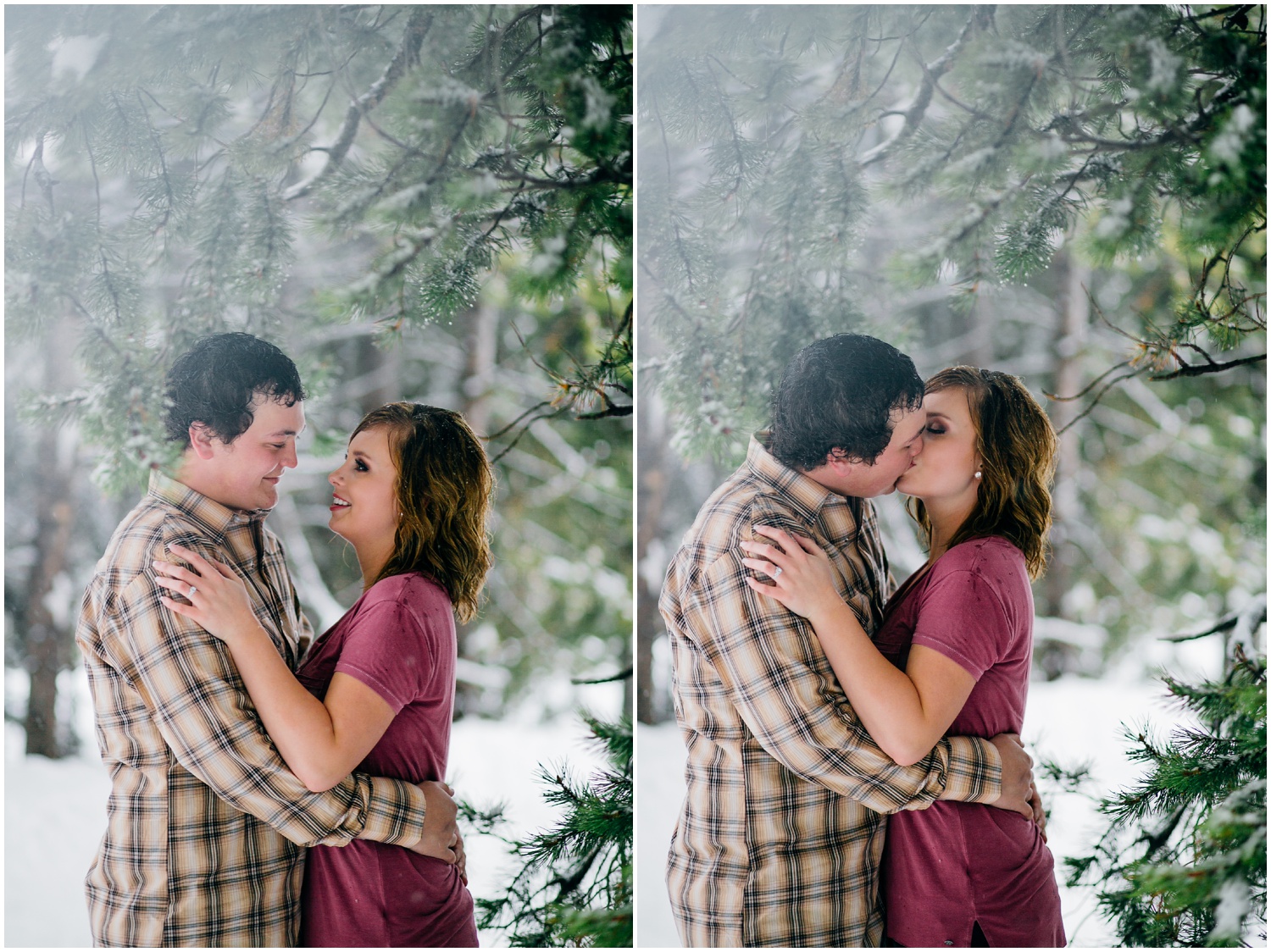
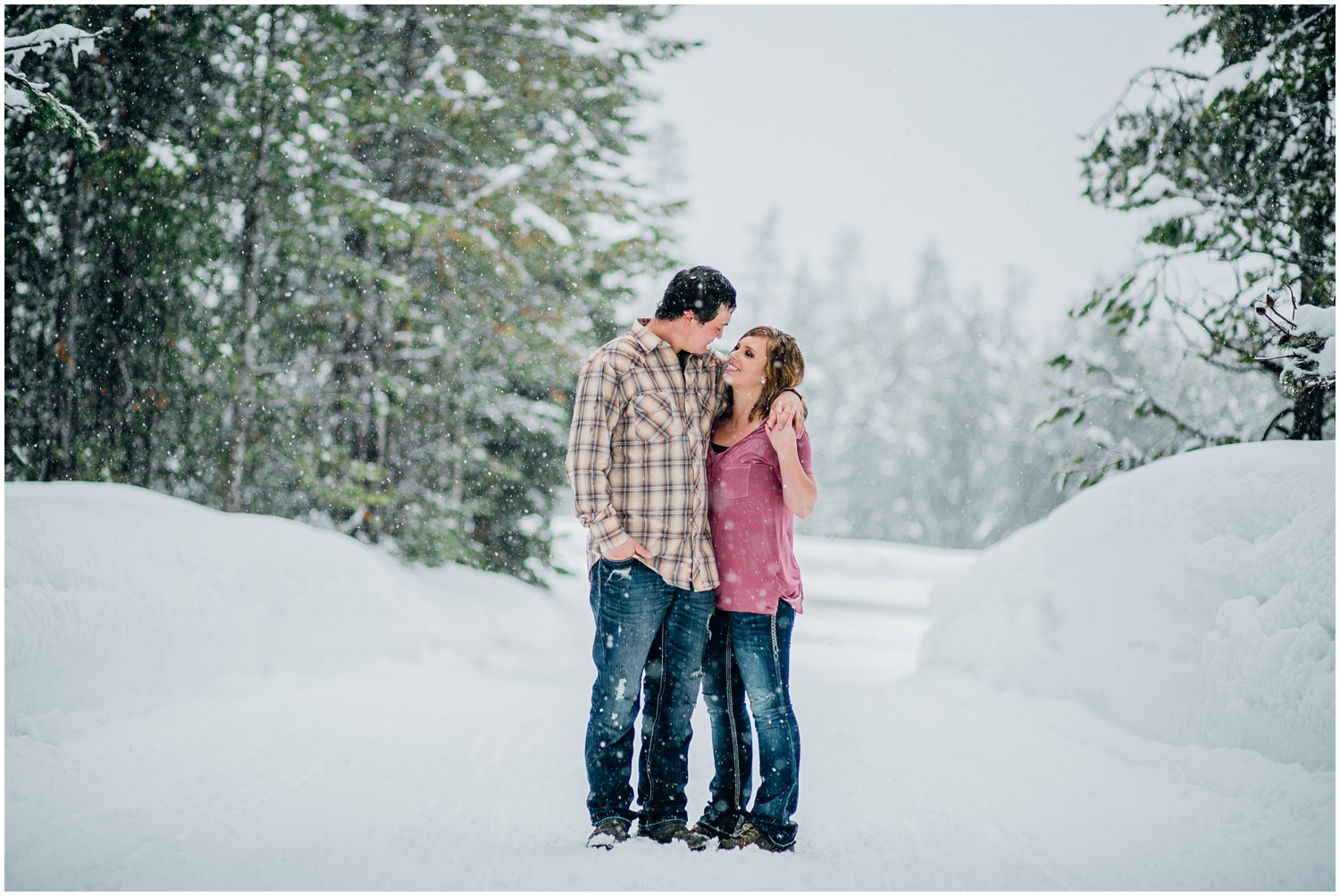
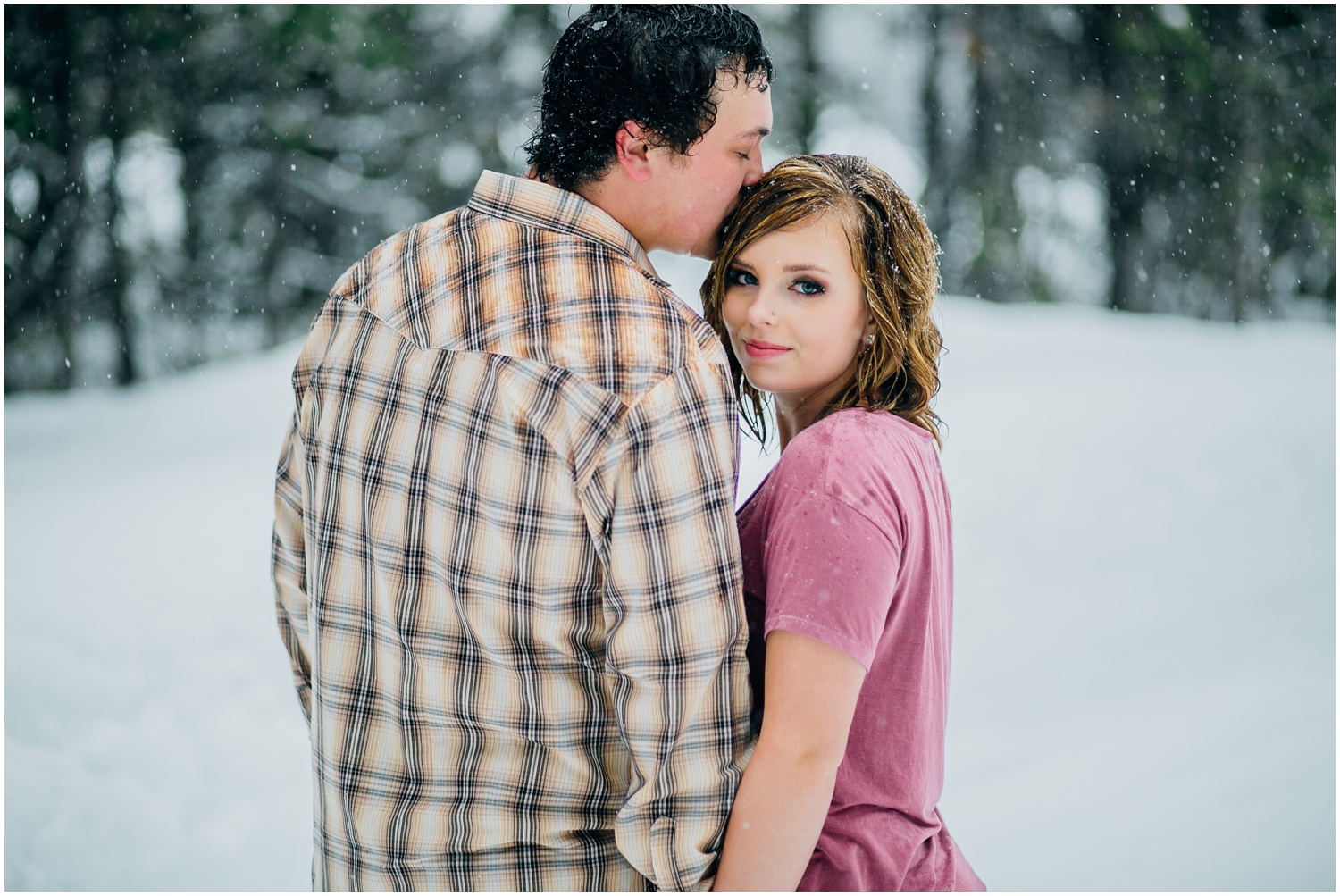
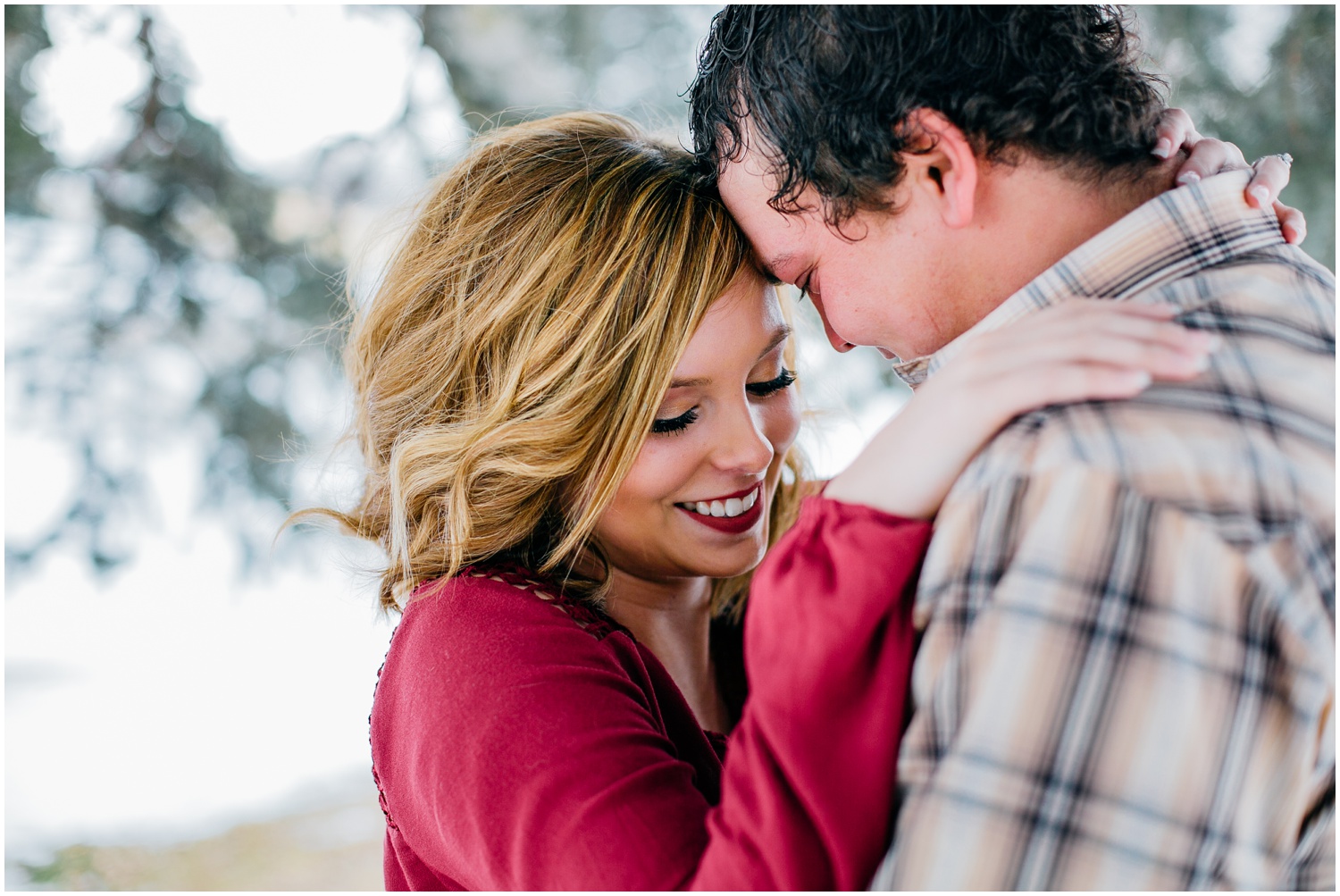
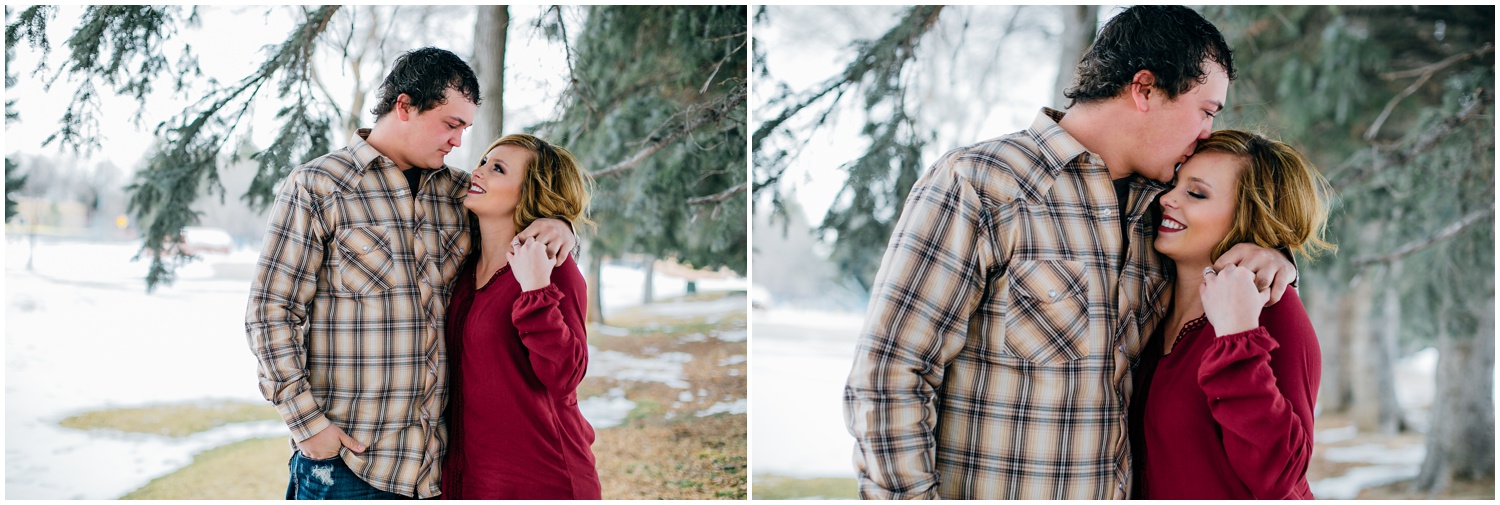
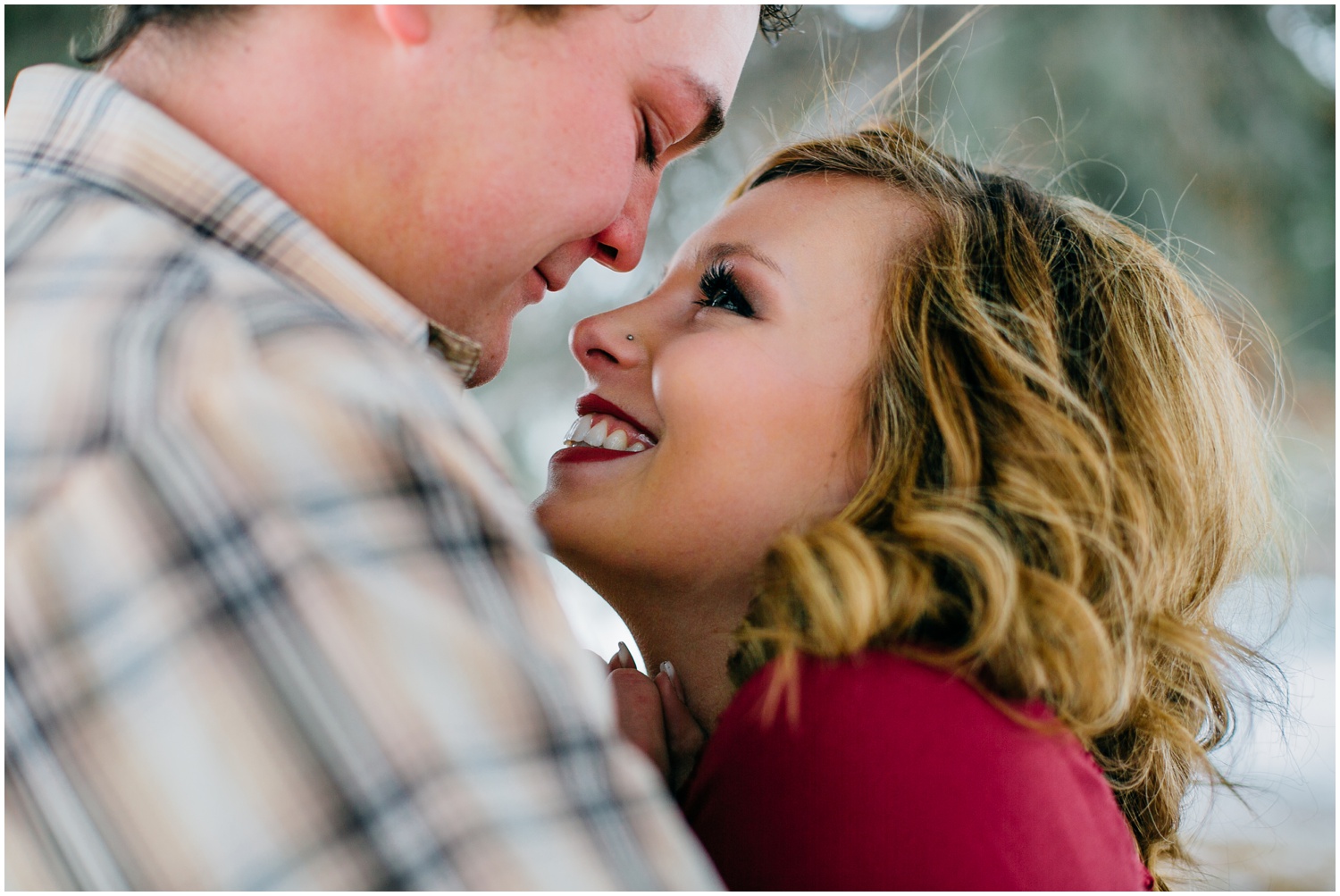
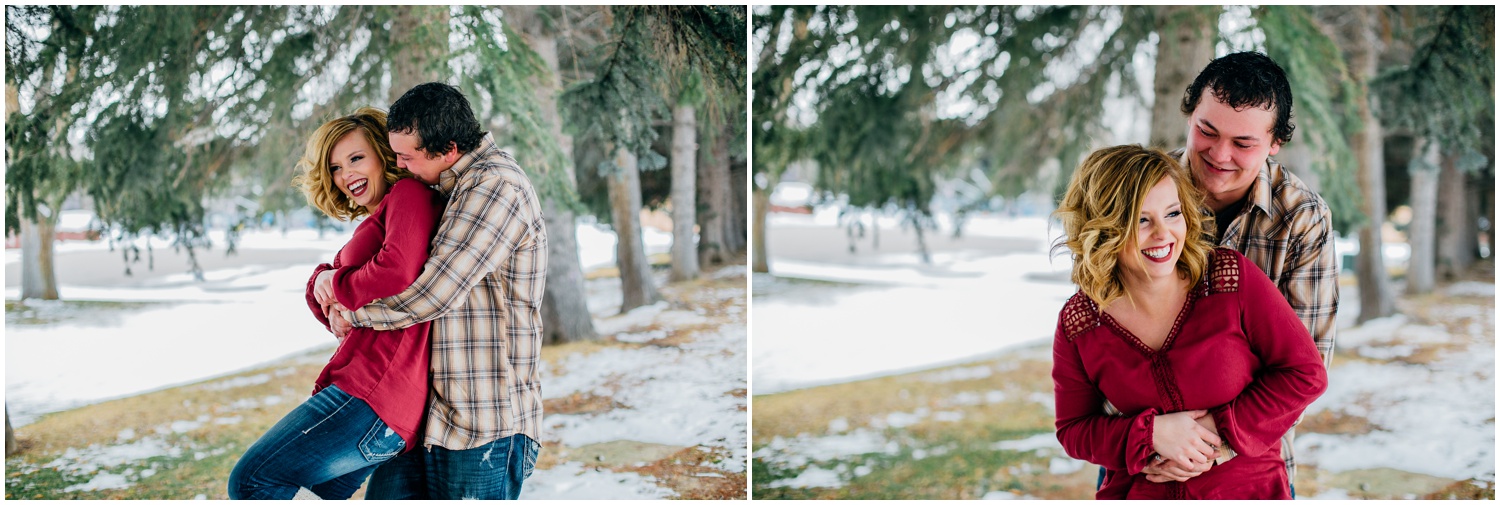
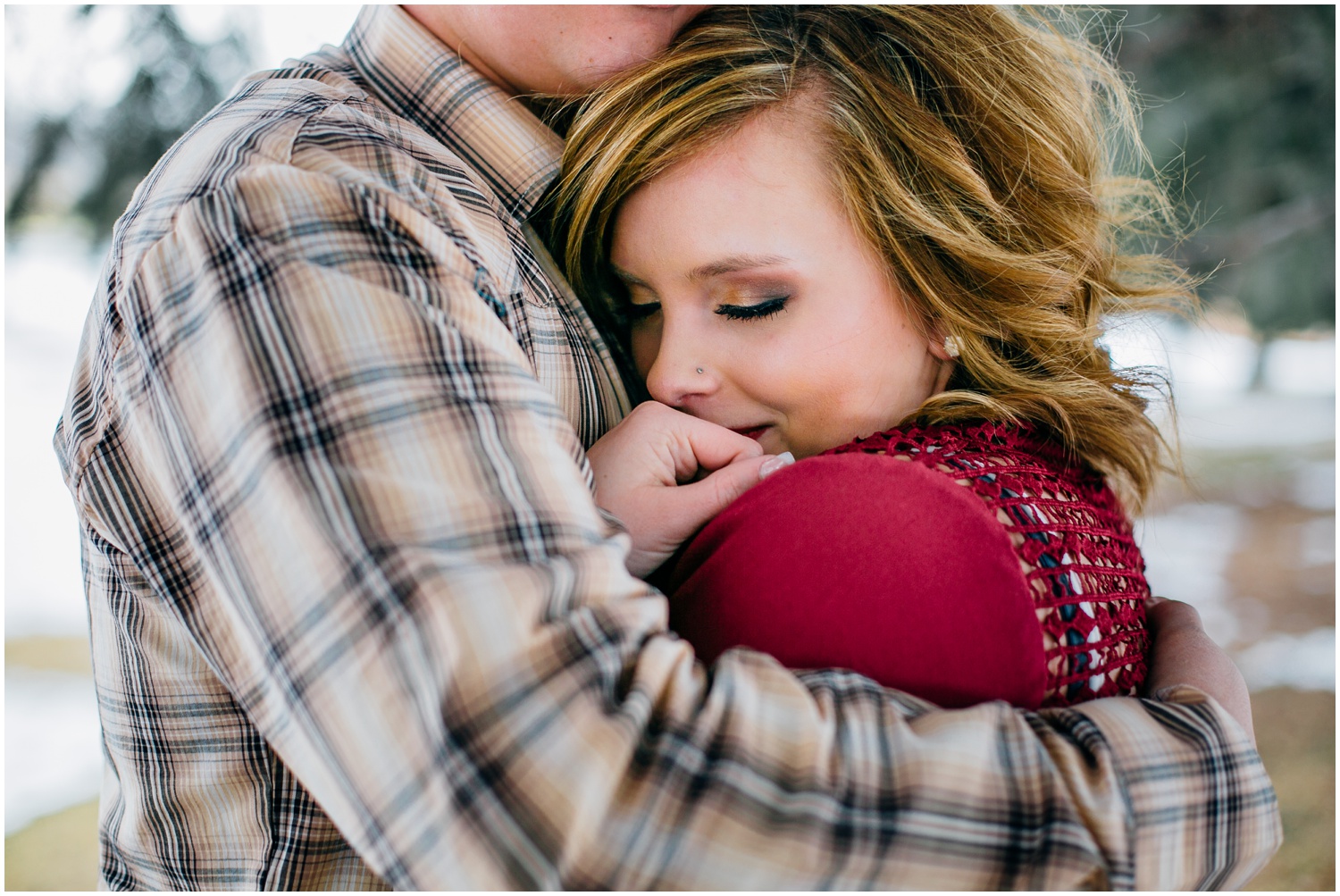
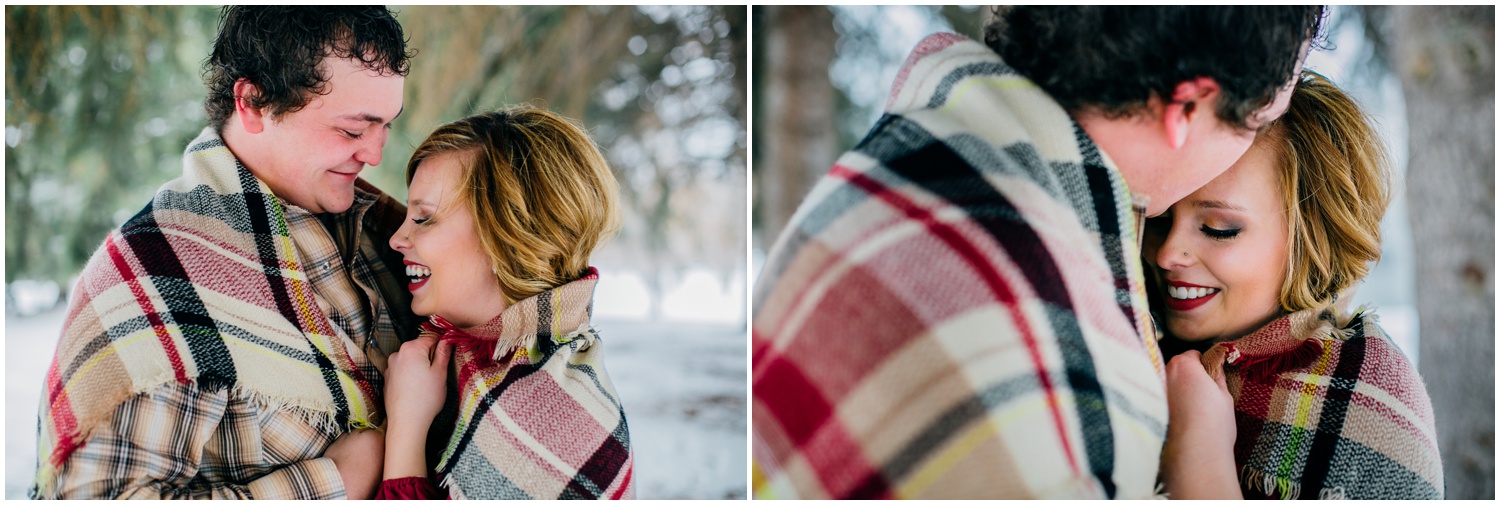
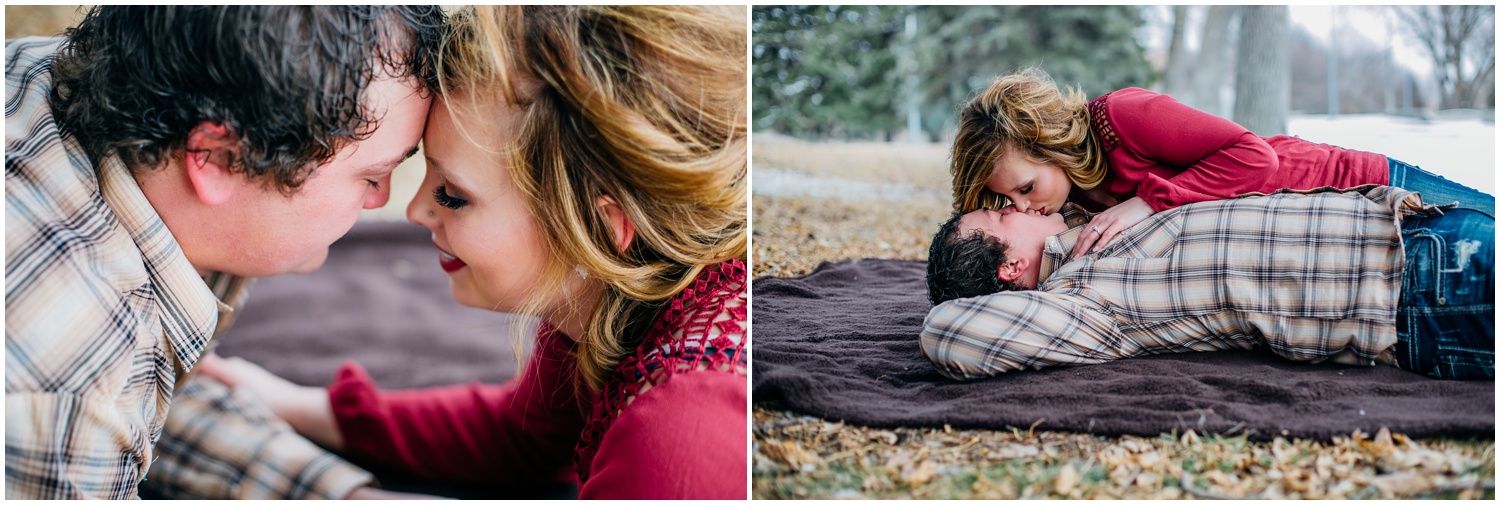
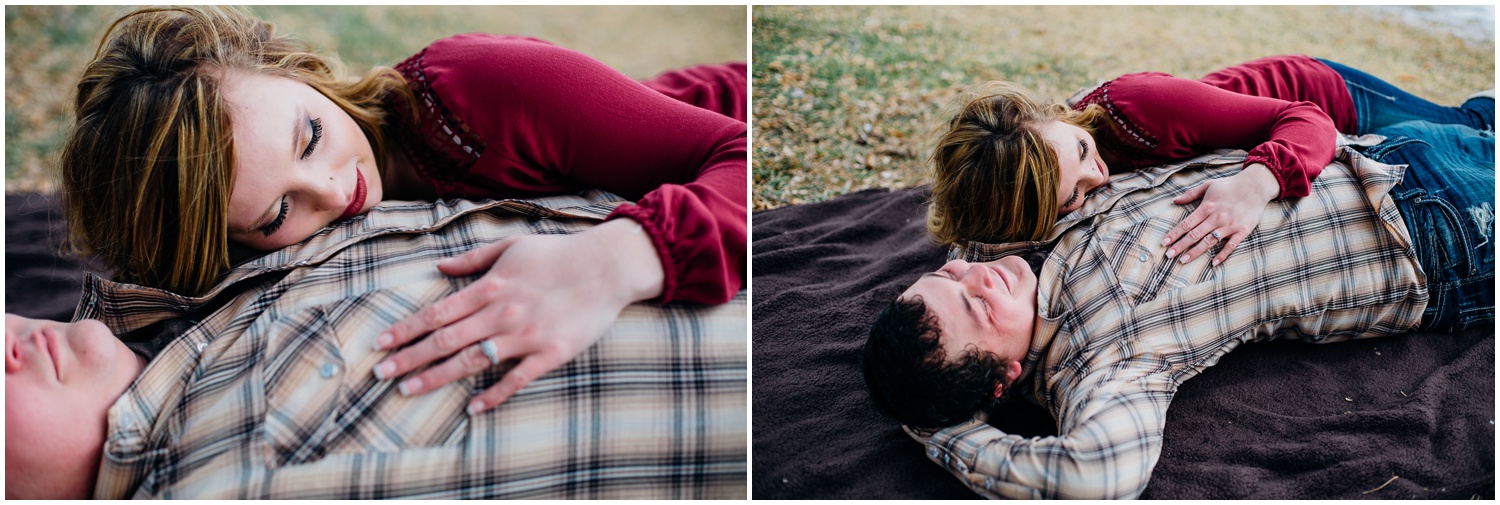
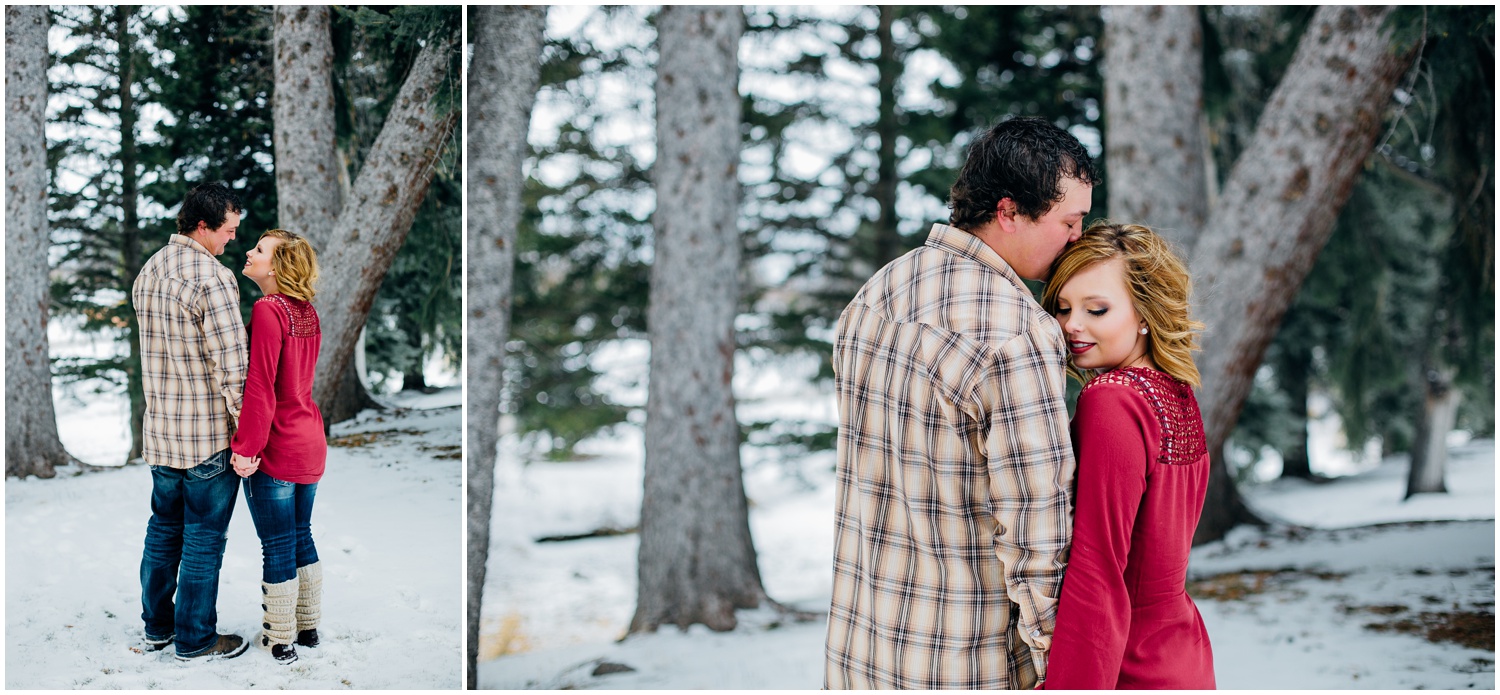
If you want to know a patient couple, Shai'Loni and Wes are it! In January I met up with Shai'Loni to visit about her vision for her wedding. Seeing her face light up when she talked about Wes made me so excited to see them together for their engagement session. 

We planned on a Saturday to head to Island park for snowy engagements. I knew it'd be covered in snow, but the day before a snow stormed started to hit Island Park according to my weather app. In Idaho Falls and Rexburg it was mostly just gloomy, but I really didn't want to risk driving up and getting stuck or not being able to shoot in a blizzard. I asked to reschedule for Presidents' Day. These two were so patient and happy to do so! 

Monday came and it was pouring wet snow! Luckily it wasn't a blizzard this time around, but it gave the exact vibe Shai'Loni wanted for their session! The snow was literally perfect for photographing. At a few different points during their session I'd have Shai'Loni and Wes stand under a tree, and right as they got into their pose, snow would fall off the tree and down their necks and back! They were such good sports about freezing snow falling on them, so we all ended up laughing, even after the fifth time it happened. Thank goodness for these two with their patience and easy going attitudes. 

MUA: Abbie Hughes

How to Organize Taxes • For the Photographer

I can't believe it's already March! The new year is always time for new SD cards and external hard drives, back up 2016 photos one last time, clean my gear, and close out 2016 bookkeeping. I didn't know about bookkeeping for quite some time until a fellow photographer and mentor, Michelle Peterson of Michelle & Logan, mentioned that no matter how much you make you have to file your taxes. Depending on your gross income you may not end up owing very much in taxes, but you'll still need to document and file for the IRS. You can read an article that covers more details HERE.

So here is my bookkeeping system for taxes from start to finish! 

I met with my Accountant, Josh, at the beginning of 2016 to ask my tax questions and to find out what was the best way for me to bookkeep in order to make it convenient for him as well. The basics were dates, category of expenses, and amounts for each which I knew I could do in Excel. 

I try to pick up any business supplies the same day as sessions. I reset my miles on my car before I leave my apartment and I take a photo of the miles when I get back home just in case I forget. Hate entering in more than you need to? Check out Mile IQ. This handy app keeps track of all the miles you drive without you lifting a finger! Swipe right for Business and left for Personal. Okay, so you do have to lift a finger, but it's only $6 a month! 

If I pick up anything business related, I try doing a separate transaction from personal items if I can. When I get home I file my receipts in the first folder of my file folder. Any receipts in the first folder need to be entered into excel. After my internet and phone have been paid, I file those receipts there too. 

Once every week, usually Mondays, I update my Taxes in Excel. I start with expenses. I go through my receipts and highlight the date, item(s) and amount. I then enter them into excel with their best fitting category. 

Sessions are next where I'll enter the date of the session, clients name, type of session, amount, and if it was paid in cash, check or Paypal.

Because I'm a Sole Proprietorship and don't buy vehicles under JayCee Photography, I get to write off my miles. If I bought a car under JayCee Photography, I wouldn't be able to write off business miles. Here I document the date, session, where I went, and miles I drove for the session.

Screen Shot 2017-01-04 at 7.50.24 AM.png

After everything has been entered I save my excel sheet and then upload it to Google Drive just in case my computer ever crashes. I then file the receipts entered into "Receipts" in my file folder. Anything that isn't in the file hasn't been entered into excel. 
I am in no way an expert in accounting and bookkeeping. But I still remember struggling with keeping things organized. There are other ways of recording and keeping track of taxes, but this method has worked great for me.